WebCamera2.11
Publisher Description
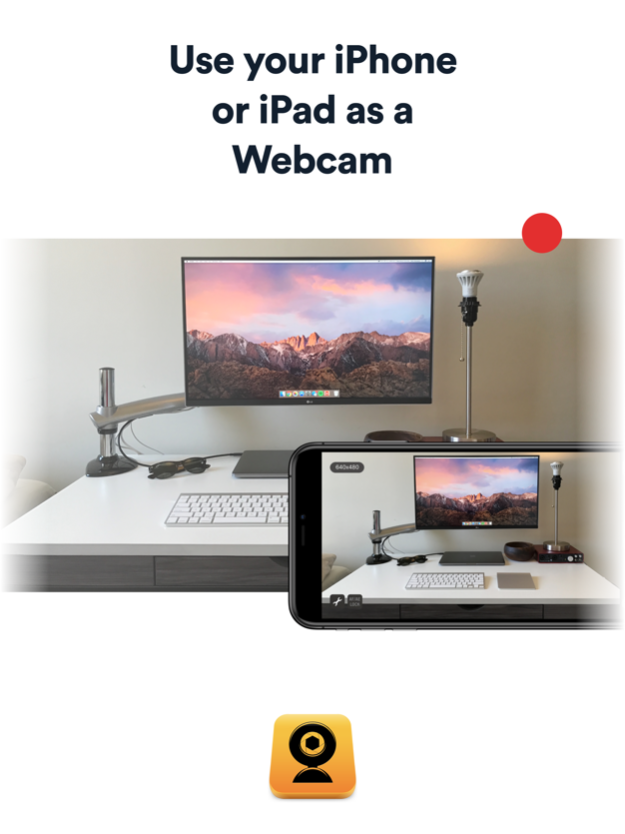
Your iPhone or iPad as a webcam for your Mac or PC
Turn your iPhone or iPad into a high quality wireless webcam with microphone. Connect it to a Mac or PC using WiFi connection, and share bright moments of your life that cannot be caught with a built-in webcam or USB camera! Now with sound support on Mac OS and Windows, and flashlight!
"I found WebCamera to be a useful app and plan to use it a lot in the future as a second camera for TUAW TV Live." --TUAW
Mobiola WebCamera is a great way to share what cannot be recorded with a built-in laptop camera, as it is wireless and can be easily moved around. Imagine sitting near the Eiffel Tower, and sharing this magic moment with your friend while giving a virtual tour of this famous landmark. With WebCamera, anything can be shared wirelessly in a simple and fun way.
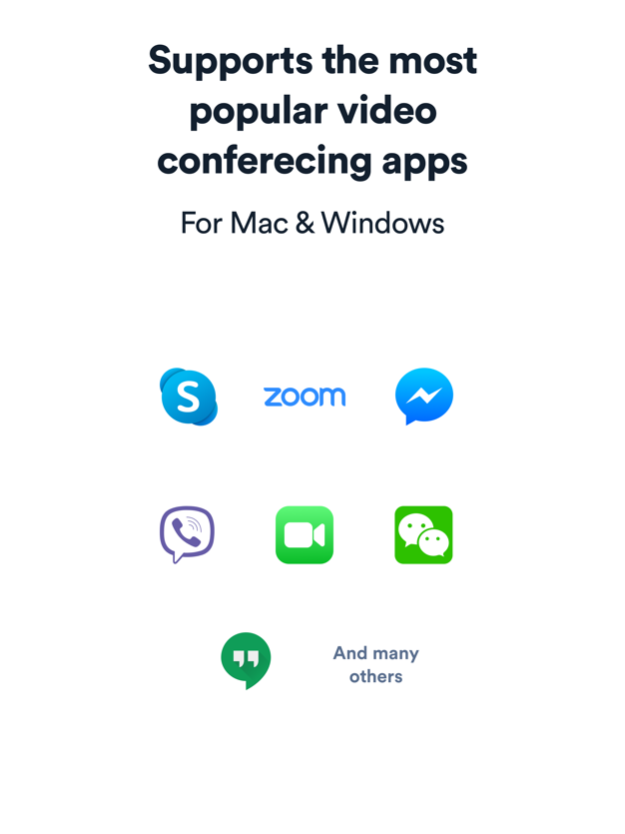
WebCamera works with various messaging applications, just like a regular USB webcam. It also works with video production software such as Boinx TV, CamTwist, and Camtasia.
WebCamera captures video in three different resolutions: 192x144, 480x360, and 640х480. You may capture either individual frames or the whole video stream.
With the free WebCamera desktop application installed on a computer, WebCamera is plug-and-play ready.
Download free WebCamera desktop to your PC or Mac from www.mobiola.com
REQUIREMENTS:
iOS 5.1 or later
Windows XP 32bit, Vista/Windows 7 32/64bit, Windows10
Intel-based Mac, Mac OS X 10.6 and higher
WiFi connection is required to connect the WebCamera app to the desktop computer; iPhone and computer should be in the same network.
Jul 29, 2020
Version 2.11
- Improved support for macOS and Windows
- Bug fixes & performance improvements
Download the desktop versions at mobiola.com
About WebCamera
The company that develops WebCamera is SHAPE GmbH. The latest version released by its developer is 2.11. This app was rated by 1 users of our site and has an average rating of 3.0.
To install WebCamera on your iOS device, just click the green Continue To App button above to start the installation process. The app is listed on our website since 2020-07-29 and was downloaded 122 times. We have already checked if the download link is safe, however for your own protection we recommend that you scan the downloaded app with your antivirus. Your antivirus may detect the WebCamera as malware if the download link is broken.
How to install WebCamera on your iOS device:
- Click on the Continue To App button on our website. This will redirect you to the App Store.
- Once the WebCamera is shown in the iTunes listing of your iOS device, you can start its download and installation. Tap on the GET button to the right of the app to start downloading it.
- If you are not logged-in the iOS appstore app, you'll be prompted for your your Apple ID and/or password.
- After WebCamera is downloaded, you'll see an INSTALL button to the right. Tap on it to start the actual installation of the iOS app.
- Once installation is finished you can tap on the OPEN button to start it. Its icon will also be added to your device home screen.
Program Details
System requirements
Download information
Pricing
Version History
version 2.11
posted on 2020-07-29
Jul 29, 2020 Version 2.11
- Improved support for macOS and Windows
- Bug fixes & performance improvements
Download the desktop versions at mobiola.com
version 2.11
posted on 2020-07-29
29 Jul 2020 Version 2.11
- Improved support for macOS and Windows
- Bug fixes & performance improvements
Download the desktop versions at mobiola.com
version 2.10
posted on 2016-10-18
Oct 18, 2016 Version 2.10
- iOS10 support
- performance improvements & bug fixes
version 2.10
posted on 2010-10-28
version 2.11
posted on 1970-01-01
2020年7月29日 Version 2.11
- Improved support for macOS and Windows
- Bug fixes & performance improvements
Download the desktop versions at mobiola.com
